TIP: To keep things as safe as possible, rely mostly on ESP and only use the more obvious features here and there.
Getting Started
Disable Windows Defender
Why is this needed?
Antivirus often flags game cheats as suspicious because they inject code or modify games to enable features like aimbot or ESP. This is normal behavior for all cheat software - not a sign that Noble Cheats is unsafe.
- Open Windows Security
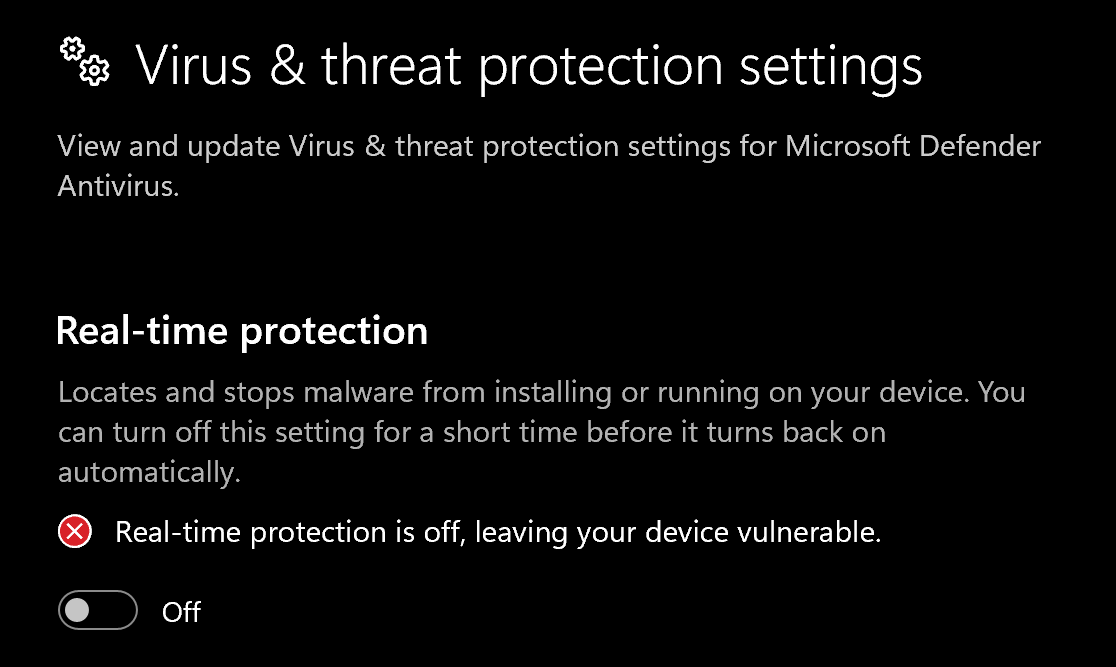
- Go to Virus & threat protection > Manage settings
- Turn off all protection settings:
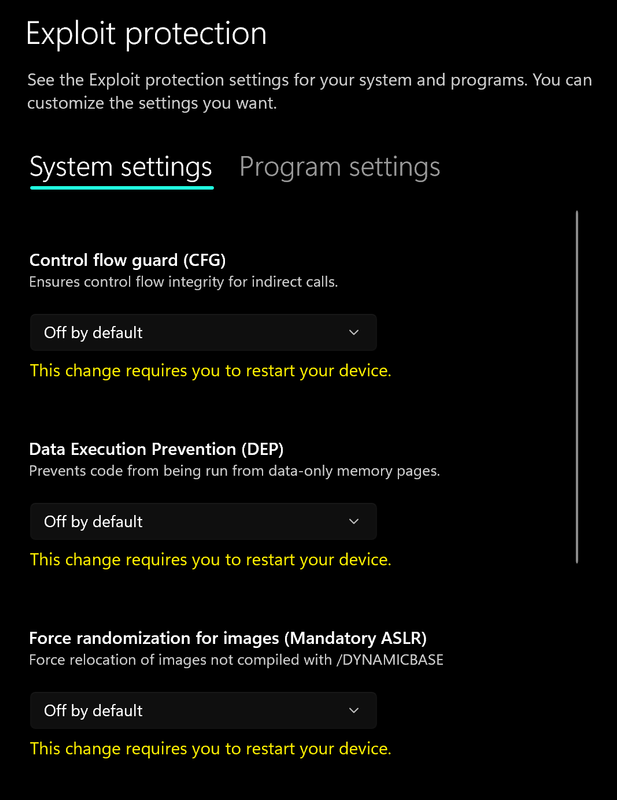
- Go to App & browser control > Exploit protection settings
- Select “off by default” for each option
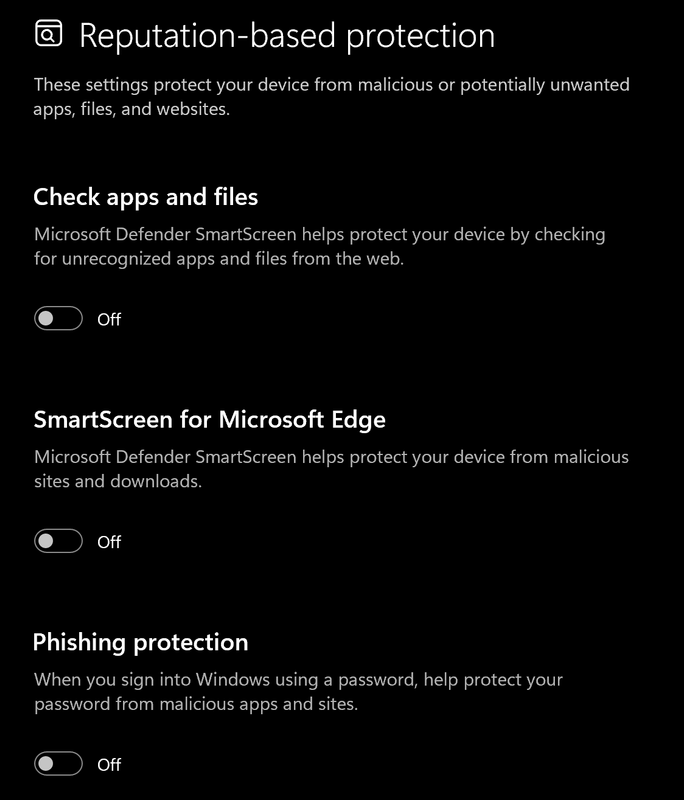
- Go to App & browser control > Reputation-based protection settings
- Turn off all options
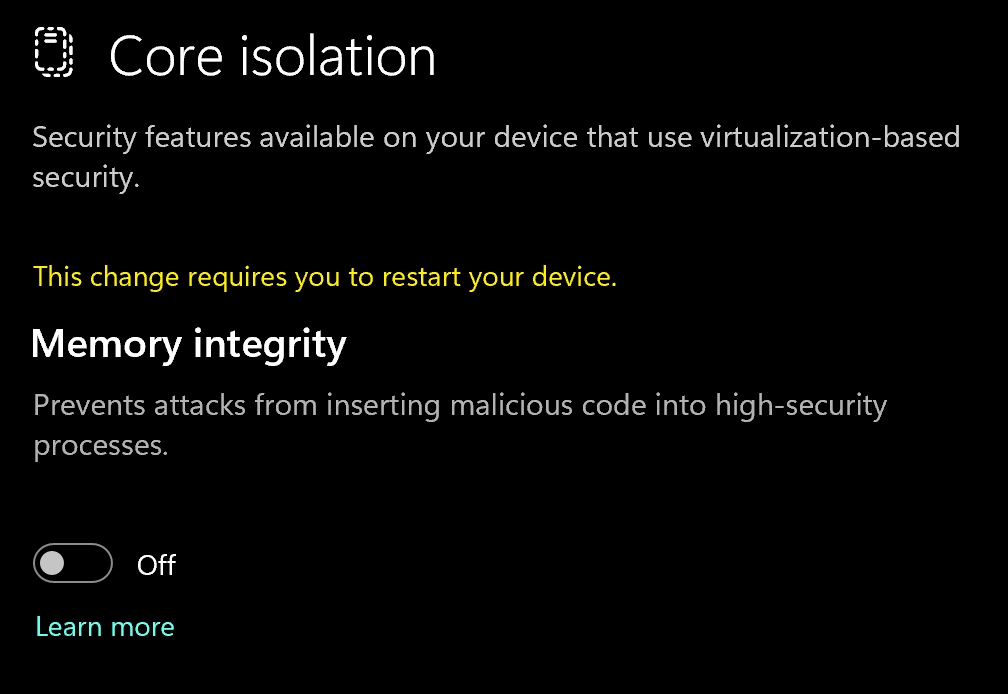
- Go to Device security > Core isolation
- Turn off Memory integrity
Using DControl
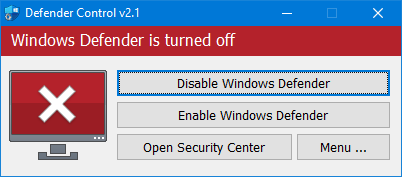
If Windows Defender keeps re-enabling, use DControl:- Download WinRar and install it. (Needed to extract archives)
- Download DControl
- Extract the .rar archive with password “sordum”
- Open DControl then press “Disable Windows Defender”
Required Files
https://www.microsoft.com/en-us/download/details.aspx?id=35https://aka.ms/vs/17/release/vc_redist.x64.exeDownloading the Cheat
Cheat Loader Download
You can download the cheat from the link below:https://mega.nz/folder/OAkhFCbJ#X0bbzcy5PFIiOJOWnuQyogInjecting the Cheat
Loading/Injecting
- Register an account, sign in and activate your key.
- Press the Load button. A pop-up will appear that asks you to reboot your machine.
- After you rebooted, you will need to open the loader and login again.
- Now Press Load for the second time.
- You can now Start your Game. Make sure your game is set to Borderless Window Mode!
- First time loading the cheat time will take up to 10 Minutes depending on your internet speed. Don’t close the game in the meantime!
- Menu Key is INSERT
Common Errors
Loader Connection Issues?
Loader Connection Issues?
- Download: Cloudflare Warp
- Connect to Warp then try to launch the loader!
Loader keeps wanting to restart PC?
Loader keeps wanting to restart PC?
Usual problems that causes this:
- Multiple Windows installs
- A second bugged EFI partition being around somewhere
- Some Laptops don’t like it and in the restart process you will be stuck in a black screen (Rare case)
Crashing/Loader not starting
Crashing/Loader not starting
Run CMD as admin and run these commands seperately one by one:
Dism /Online /Cleanup-Image /ScanHealthDism /Online /Cleanup-Image /RestoreHealthsfc /scannowHVCI Issues
HVCI Issues
Launch CMD as Admin, type in these Commands:
bcdedit /set hypervisorlaunchtype off"reg add "HKLM\SYSTEM\CurrentControlSet\Control\DeviceGuard\Scenarios\HypervisorEnforcedCodeIntegrity" /v "Enabled" /t REG_DWORD /d 0 /f""reg add "HKLM\SYSTEM\CurrentControlSet\Control\DeviceGuard" /v EnableVirtualizationBasedSecurity /t REG_DWORD /d 1 /f"