TIP: To keep things as safe as possible, rely mostly on ESP and only use the more obvious features here and there.
1
Getting Started
Disable Windows Defender
Why is this needed?
Antivirus often flags game cheats as suspicious because they inject code or modify games to enable features like aimbot or ESP. This is normal behavior for all cheat software - not a sign that Noble Cheats is unsafe.
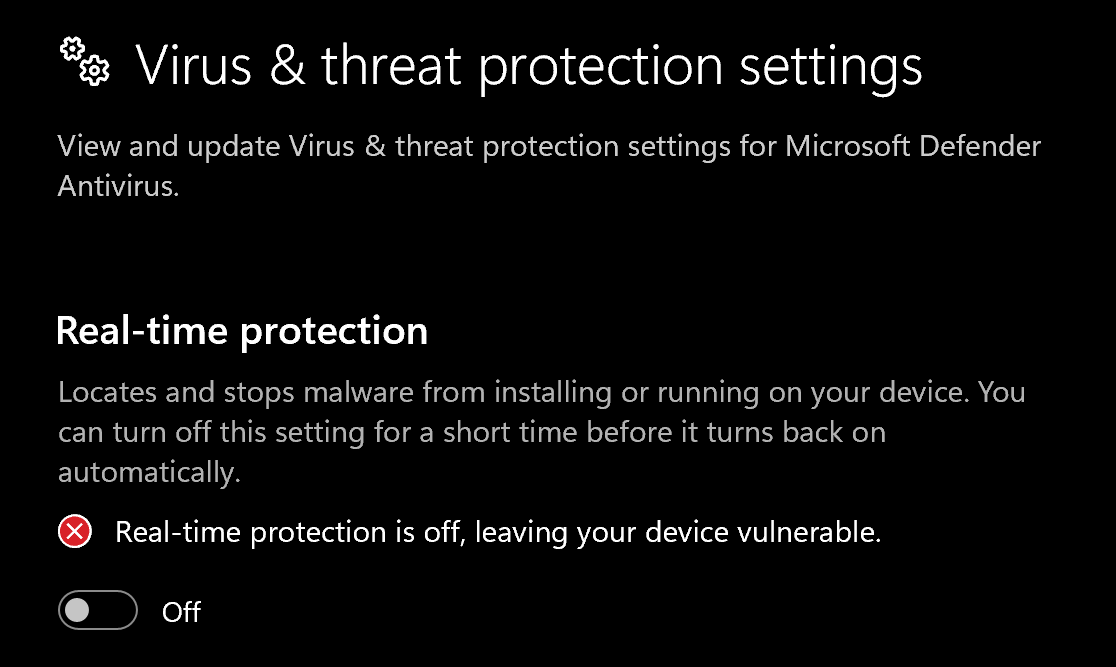
- Open Windows Security
- Go to Virus & threat protection > Manage settings
- Turn off all protection settings:
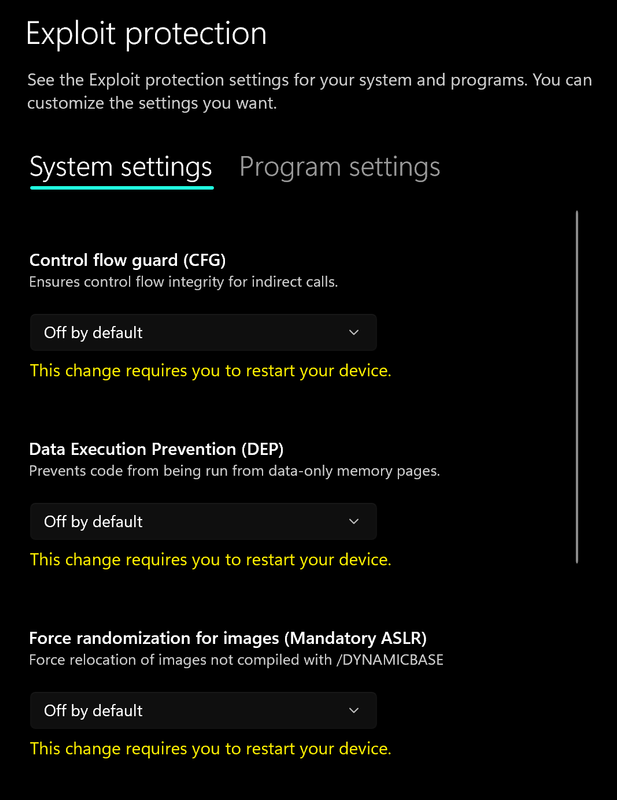
- Go to App & browser control > Exploit protection settings
- Select “off by default” for each option
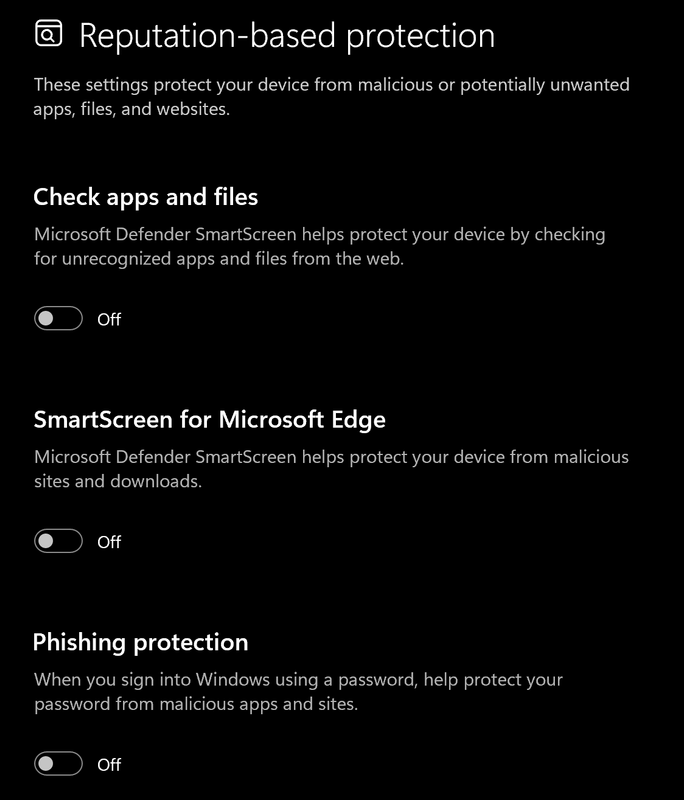
- Go to App & browser control > Reputation-based protection settings
- Turn off all options
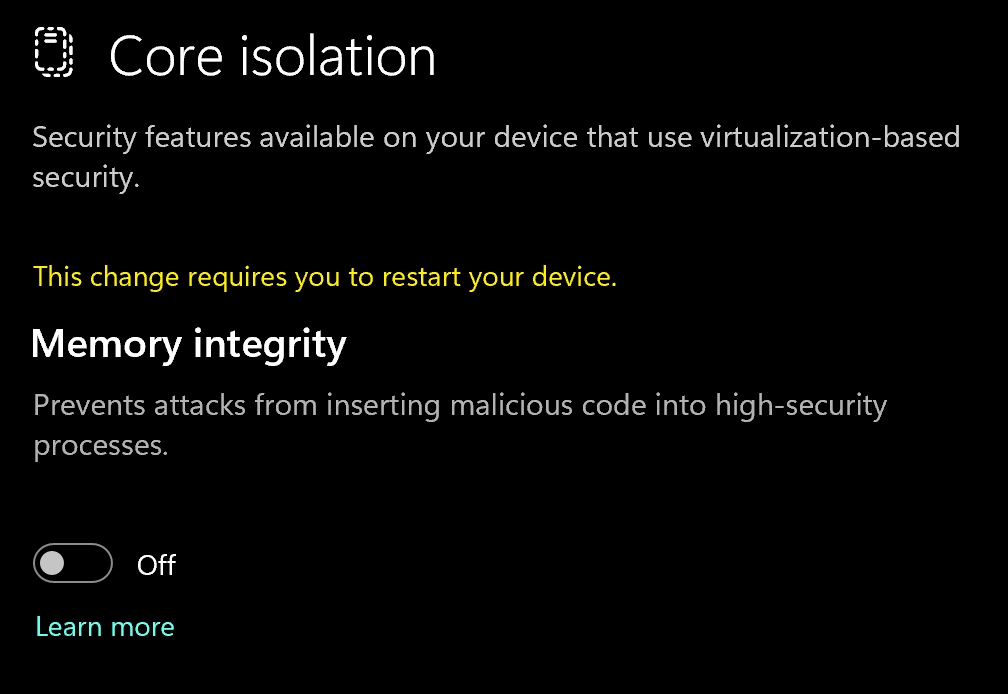
- Go to Device security > Core isolation
- Turn off Memory integrity
Using DControl
If Windows Defender keeps re-enabling, use DControl:- Download WinRar and install it. (Needed to extract archives)
- Download DControl
- Extract the .rar archive with password “sordum”
- Open DControl then press “Disable Windows Defender”
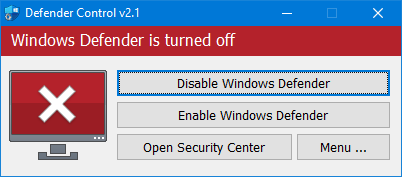
Required Files
https://www.microsoft.com/en-us/download/details.aspx?id=35https://aka.ms/vs/17/release/vc_redist.x64.exe2
Downloading the Cheat
Cheat Loader Download
https://api.battleye.dev/bootstrapper3
Injecting the Cheat
Loading/Injecting
- Install and Run the cheat load
- Enter your key
- Open game once loader closes
- Once you’re in game lobby press F2 and wait until menu appears (10-60 seconds)
- Press Insert to open and close the menu
Common Errors
Loader Connection Issues?
Loader Connection Issues?
- Download: Cloudflare Warp
- Connect to Warp then try to launch the loader!
Instant Crash on Game Launch
Instant Crash on Game Launch
- Install the latest GPU drivers: NVIDIA · AMD
- Open System → Display → Graphics and disable
- Hardware-accelerated GPU scheduling
- Variable refresh rate
- Optimizations for windowed games
- Run CMD as Administrator and paste this command:
Copy reg add "HKLM\SOFTWARE\Microsoft\Windows\Dwm" /v OverlayTestMode /t REG_DWORD /d 5 /f
Restart your PC and try to inject again
Instant BSOD on Injecting
Instant BSOD on Injecting
Run CMD as Administrator and paste this command:
Copy reg add "HKLM\SYSTEM\CurrentControlSet\Control\Session Manager\Memory Management" /v FeatureSettingsOverrideMask /t REG_DWORD /d 3 /fRestart your PC and try to re-injectInitialization Error 1 (after F2)
Initialization Error 1 (after F2)
Press F2 fast in lobby — don’t wait.If that dosnt work, Try a VPN.