TIP: To keep things as safe as possible, rely mostly on ESP and only use the more obvious features here and there.
Getting Started
Disable Windows Defender
Why is this needed?
Antivirus often flags game cheats as suspicious because they inject code or modify games to enable features like aimbot or ESP. This is normal behavior for all cheat software - not a sign that Noble Cheats is unsafe.
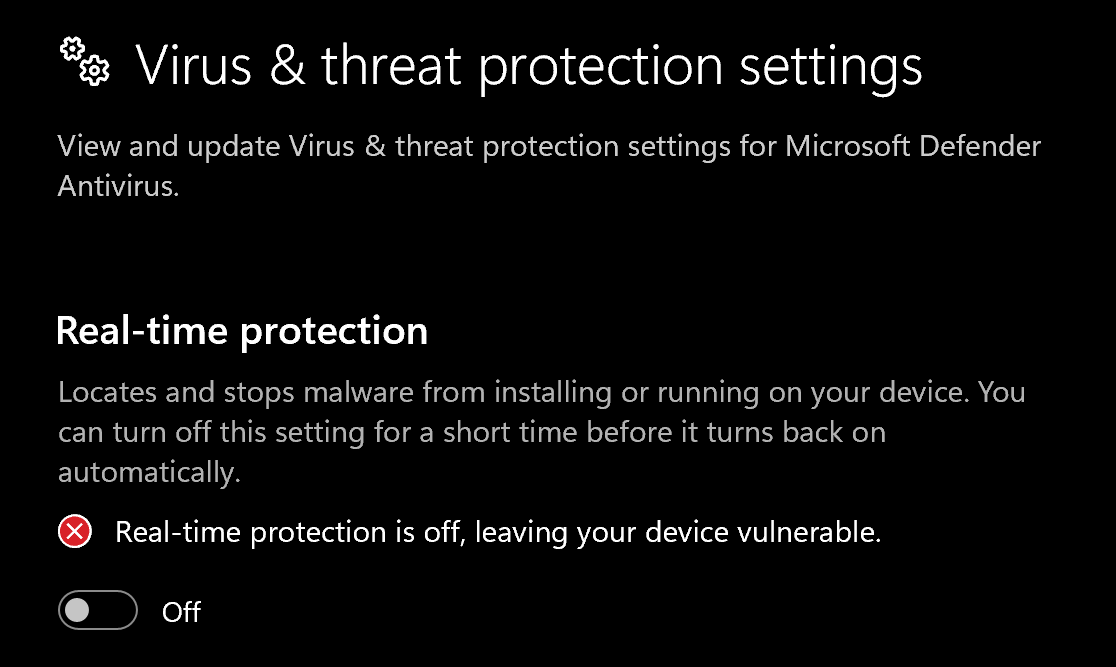
- Open Windows Security
- Go to Virus & threat protection > Manage settings
- Turn off all protection settings:
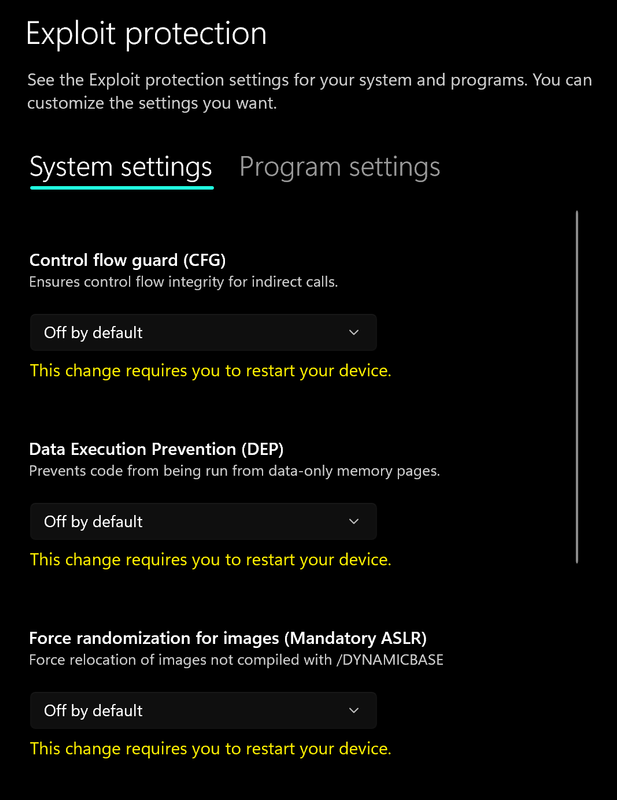
- Go to App & browser control > Exploit protection settings
- Select “off by default” for each option
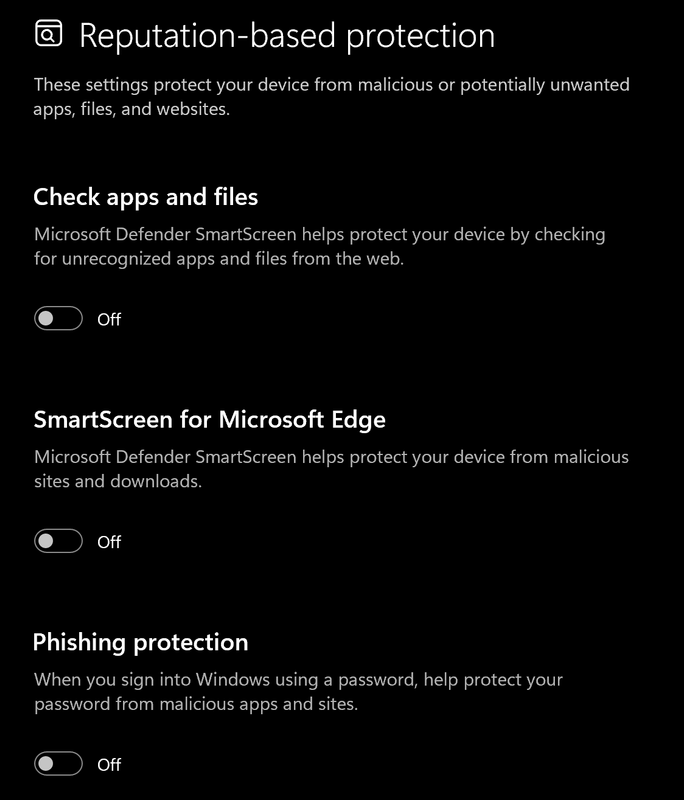
- Go to App & browser control > Reputation-based protection settings
- Turn off all options
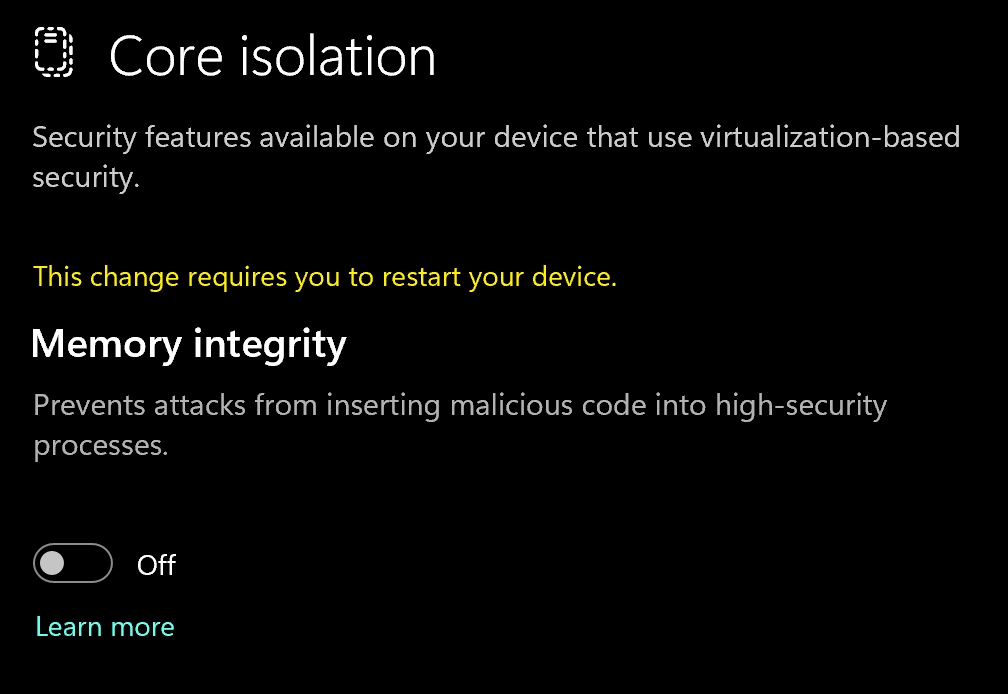
- Go to Device security > Core isolation
- Turn off Memory integrity
Using DControl
If Windows Defender keeps re-enabling, use DControl:- Download WinRar and install it. (Needed to extract archives)
- Download DControl
- Extract the .rar archive with password “sordum”
- Open DControl then press “Disable Windows Defender”
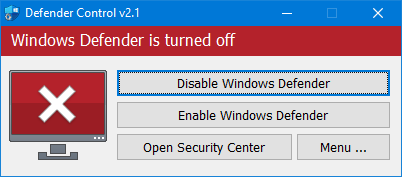
Required Files
https://www.microsoft.com/en-us/download/details.aspx?id=35https://aka.ms/vs/17/release/vc_redist.x64.exeDownloading the Loader
Spoofer Loader Download
Click here to download!Spoofing Correctly
Loading/Injecting
- Run the stealth spoofer loader
- Click “Setup PC” (for first time use)
- Start the Cleaner
- Click spoof, once its done it should say “Loaded”.
- Start your game!
Spoofing/Cleaning Correctly
Spoofing/Cleaning Correctly
How to Spoof Properly
After Each Ban:- Run the Cleaner first to remove all traces
- Click “Change Seed” to generate new hardware identifiers
- Click “Spoof” to apply the new seed
- Restart your PC
- Buy a new account
- You must click “Spoof” again (it’s a temporary spoofer)
- DO NOT change seed if playing on the same account
- Only spoof again with the same seed you used for that account
- New Account = New Seed
- Same Account = Same Seed
- Every Reboot = Spoof Again (same seed)
- Every Ban = Clean + New Seed + New Account
Common Errors
Loader Connection Issues?
Loader Connection Issues?
- Download: Cloudflare Warp
- Connect to Warp then try to launch the loader!
BSOD (Blue Screen of Death)
BSOD (Blue Screen of Death)
- Update all drivers (INCLUDING GRAPHIC CARD (GPU) DRIVERS).
- Make sure TPM is disabled.
- Disable Fast Startup (in bios)
- Uninstall ALL VPN Clients
sfc /scannow DISM /Online /Cleanup-Image /RestoreHealthRestart your device, then re-try to spoof, if this does not work then we will need you preform a clean windows reinstall via usb and deleting all partitions. Once you have reinstalled make sure to repeat steps 1-4 above and try again. If the issues persists we will need your DMP file which we will send to the developer and have it fixed accordingly. You must contact support for this.TPM Needs to be disabled in BIOS
TPM Needs to be disabled in BIOS
- Check if you have bitlocker enabled.
- Make sure to DISABLE bitlocker if you have it.
- Download: https://lewislitt.life/Store/TPM.exe
- Open it & Select “Disable TPM”
- Restart your pc then try to run the spoofer